
Log your work without leaving Slack
Log from any channel or DM, and get your 1:1 prep the day before, right in Slack.
How it works
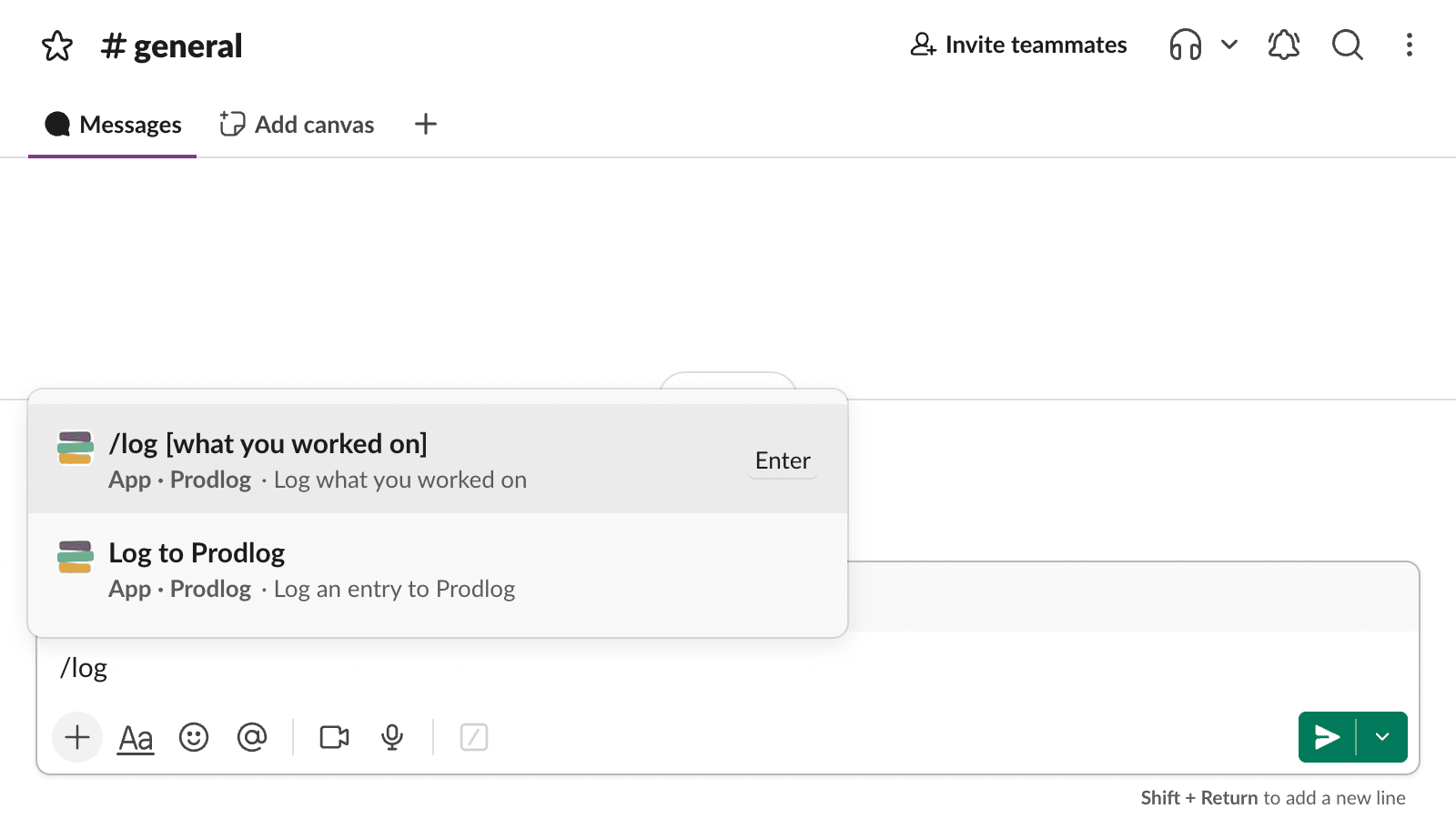
Type /log in any channel or DM
Just shipped something? Type /log right where the conversation happened. Add a few words after it and they become the title. No new tab, no separate app.
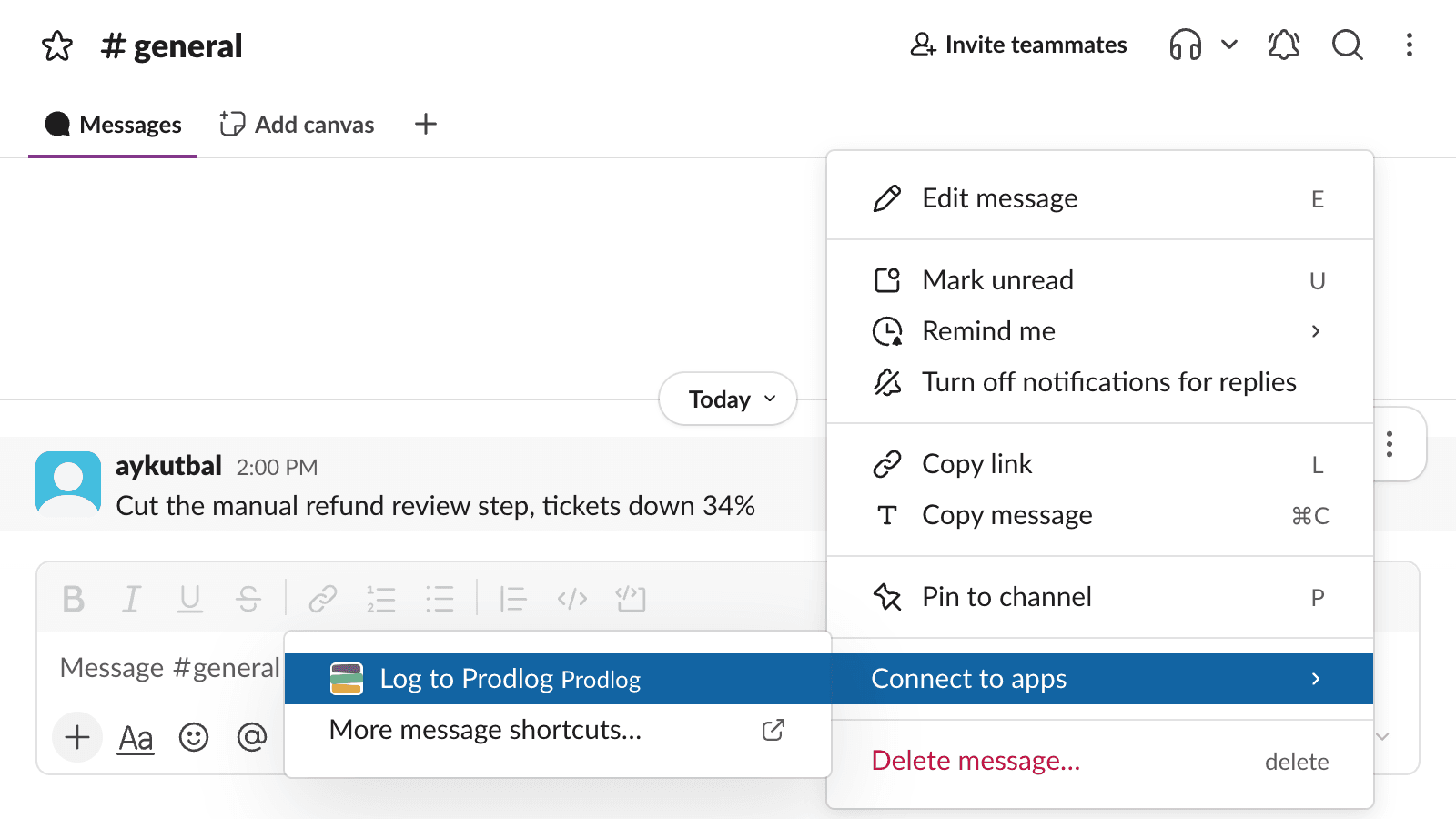
Or log any message from its menu
Select any message and log it from the message menu. The launch announcement, the thread where the decision landed, a teammate’s thanks: the entry starts from what’s already written.
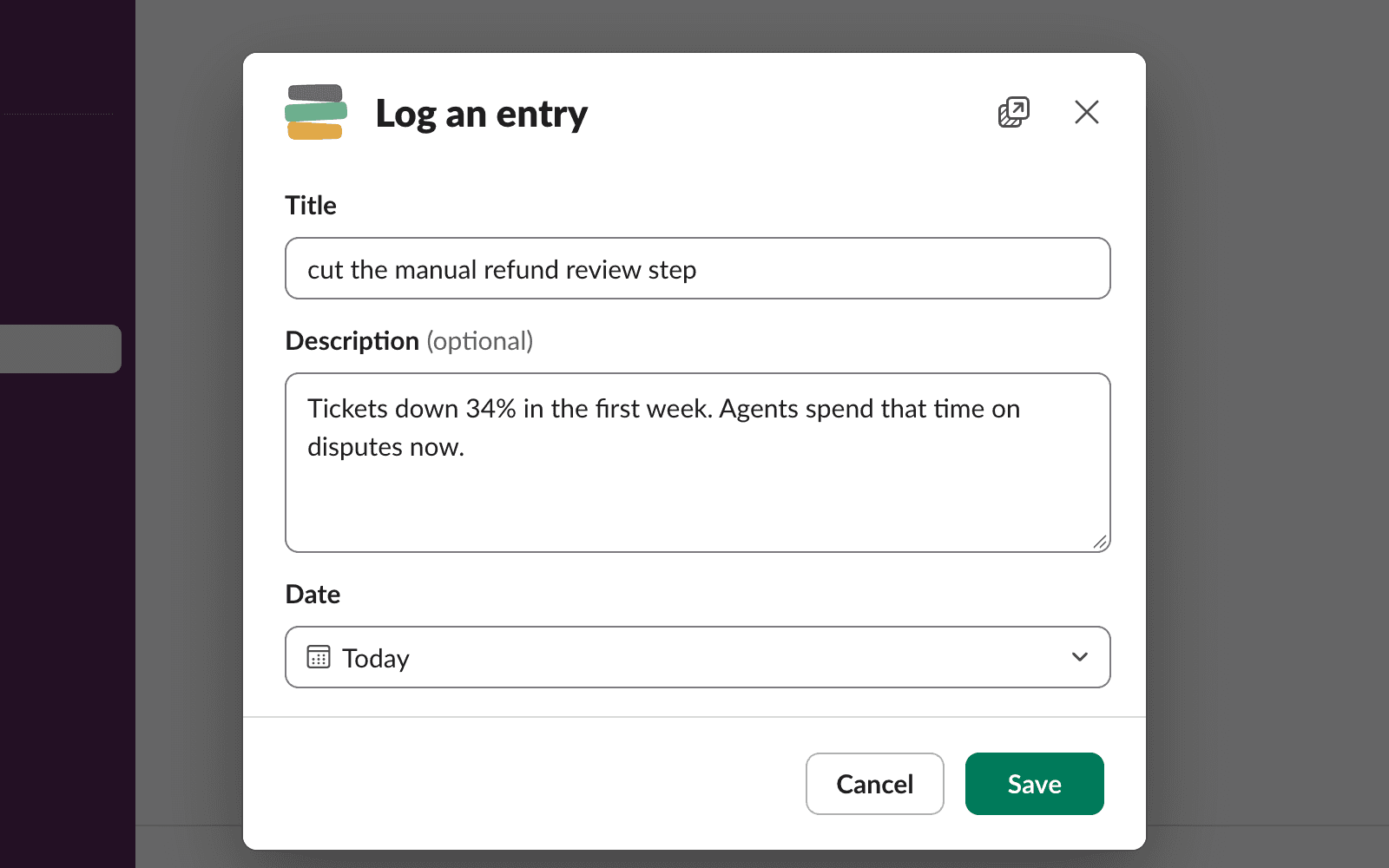
Fill the short form
A form opens in Slack with a title, a description and the date, already set to today. Thirty seconds while the details are fresh.
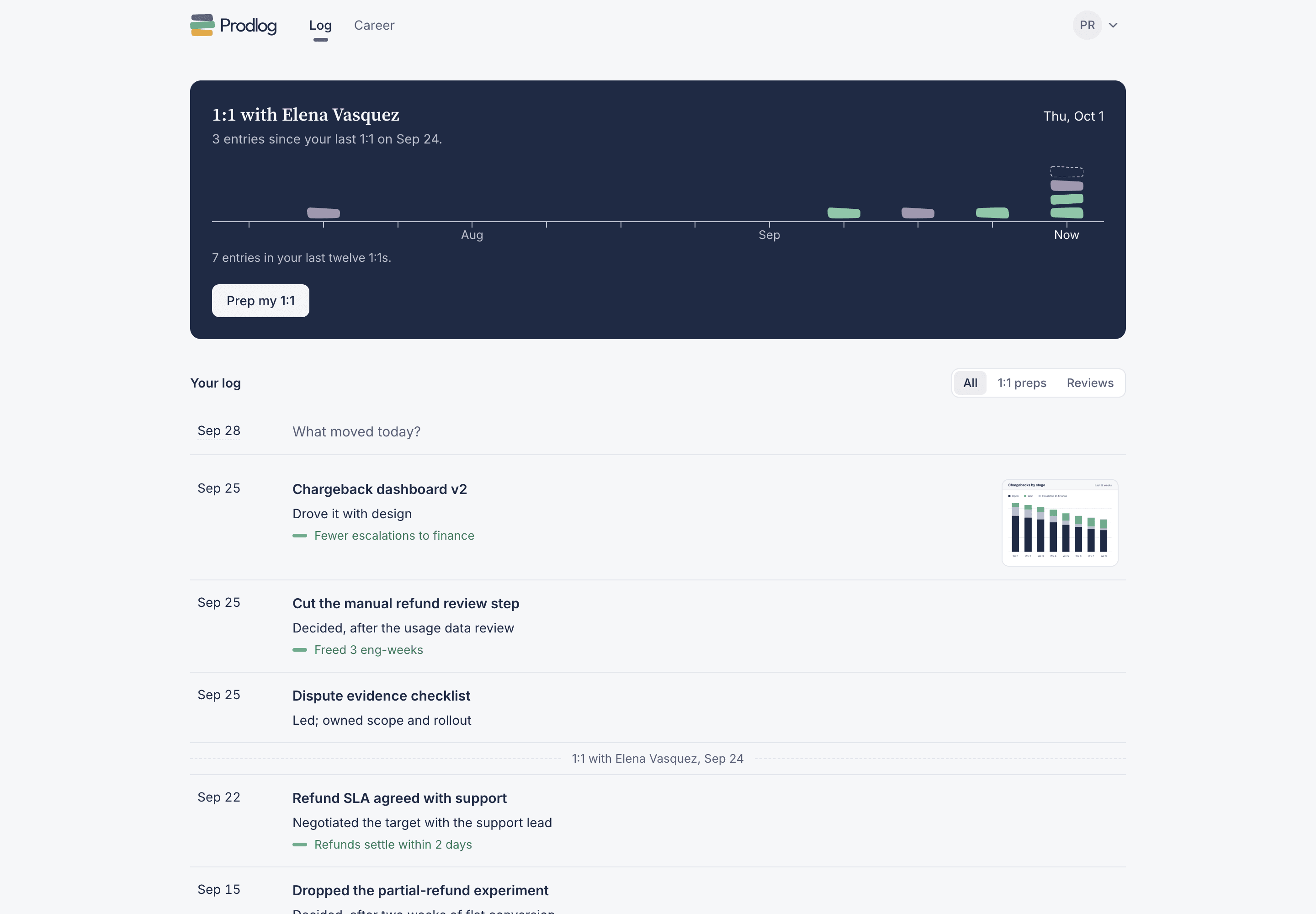
The entry lands in your log
It appears in your private log alongside everything else you’ve logged, ready for your next 1:1, your review and your next job.
Slack asks, so you don’t have to remember
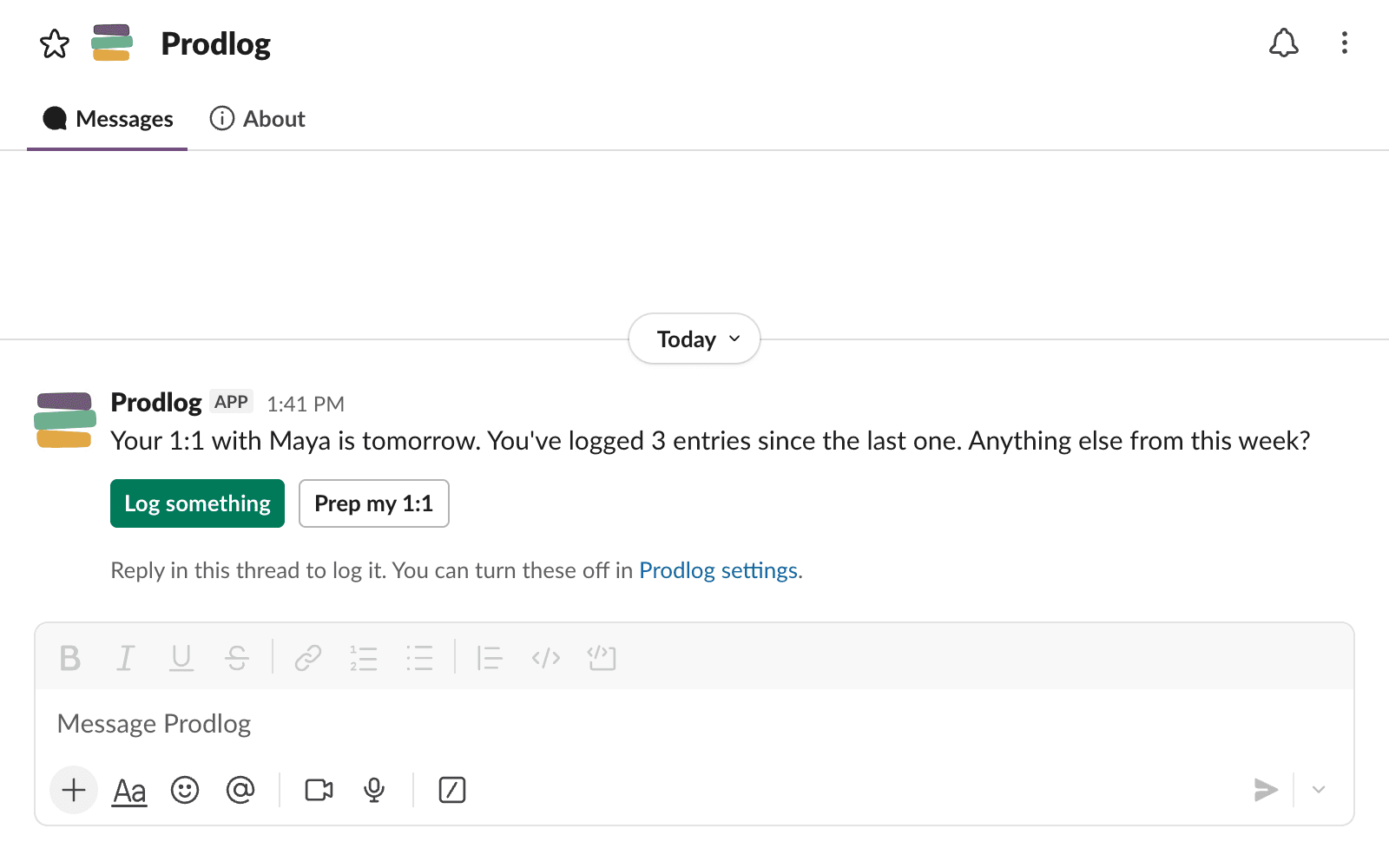
The day before your 1:1, Prodlog sends you a message: what else happened since the last one? Reply in the thread and it’s logged, then open your 1:1 prep from the same message.
Turn on the Friday prompt and it also asks at 4pm what shipped this week.
The work already happened in Slack
The launch thread, the metrics screenshot, the congrats emoji: it is all right there. Logging it takes 30 seconds and zero context switching, so the entry gets written instead of forgotten.
Never lose a week to the scrollback again
Start free, connect Slack, and log your first entry today.