How Prodlog works
Start with the notes you already have. Log as things happen. Get it back before every 1:1, every review, and every job change.
Start with what you already have
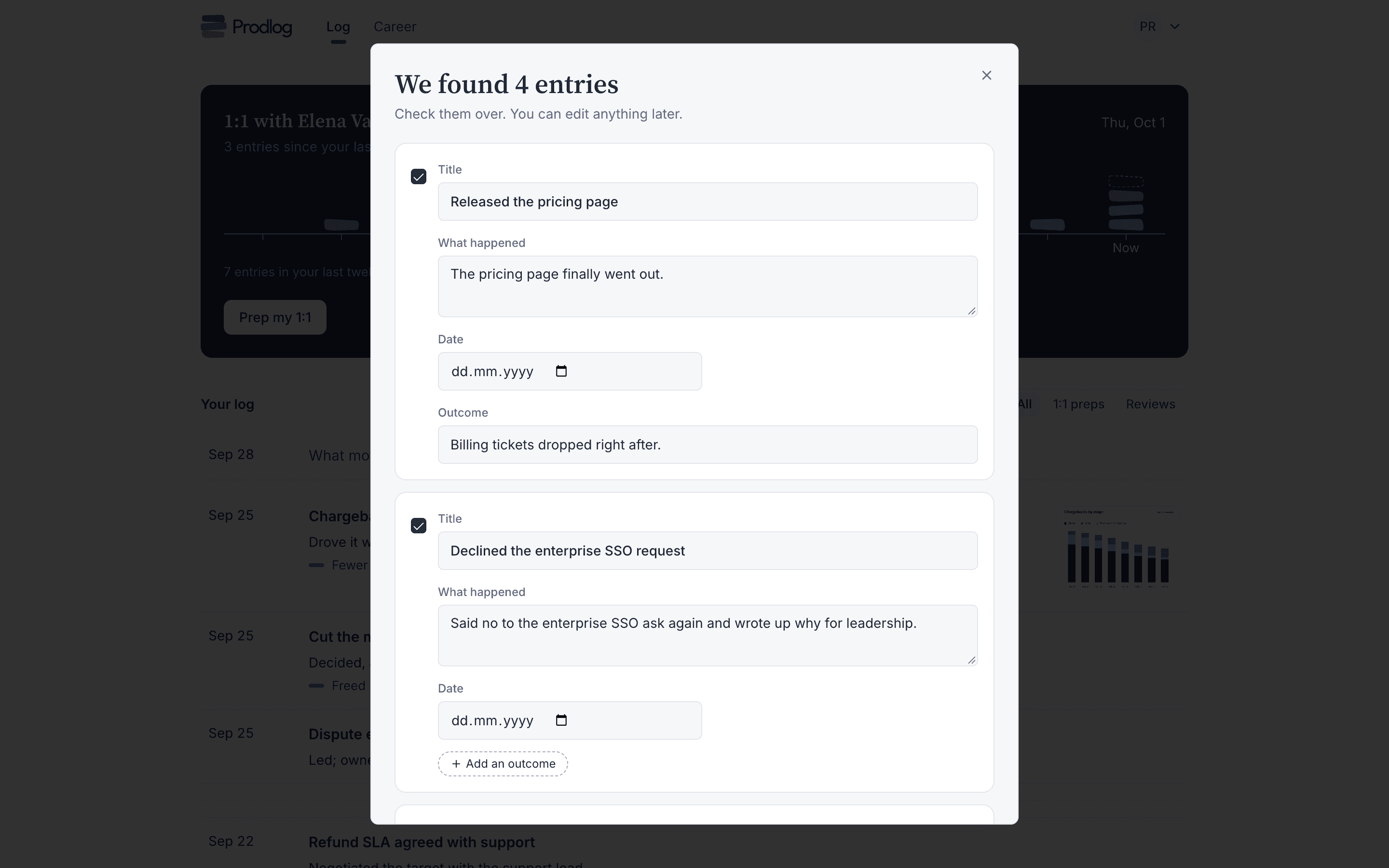
Paste a Slack thread, a phone note or a doc. Prodlog splits it into dated entries, pulls out what you owned and what moved, and flags the ones missing an outcome.
Nothing is saved until you look it over: fix a date, drop an entry, add the outcome you remember now.
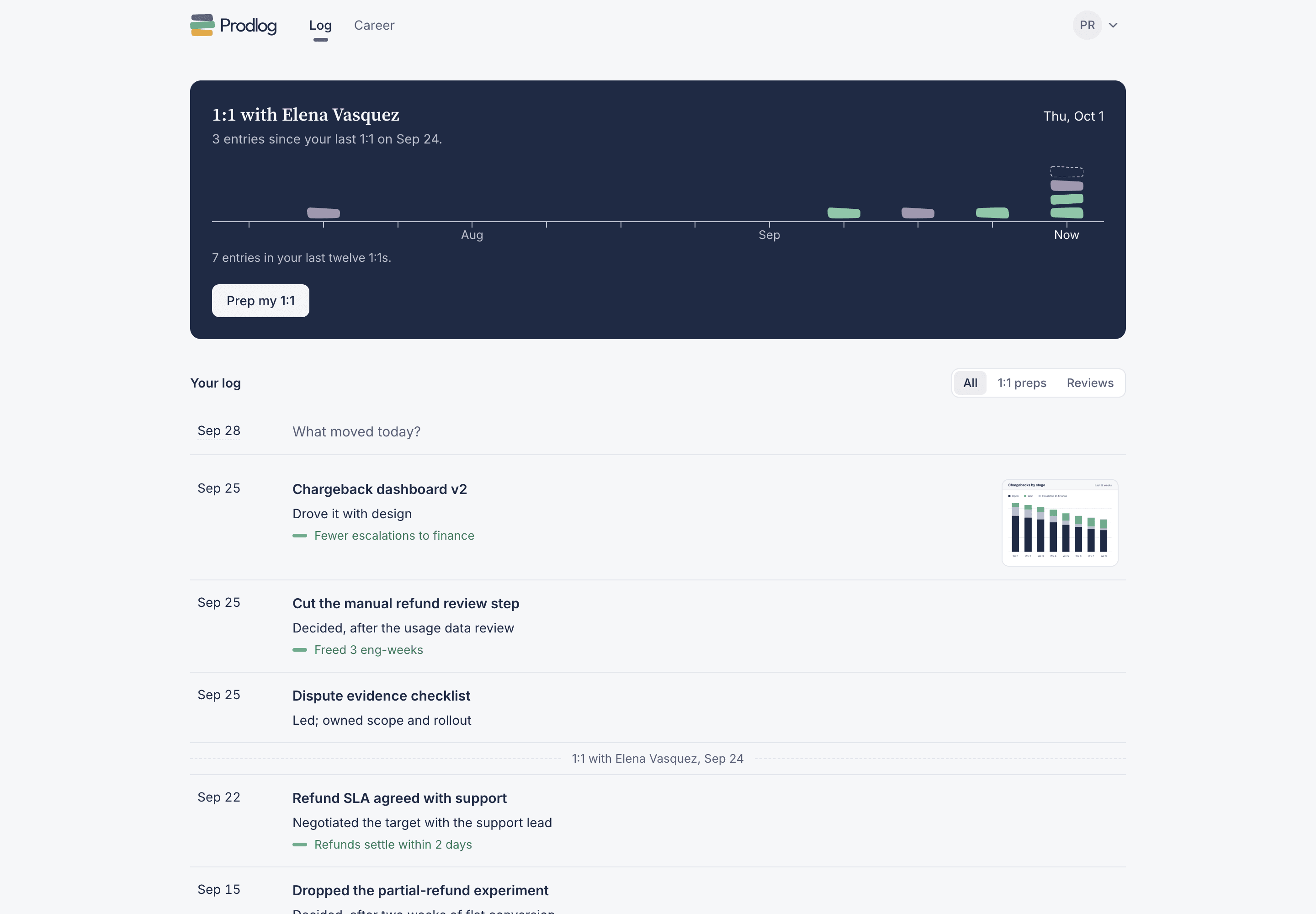
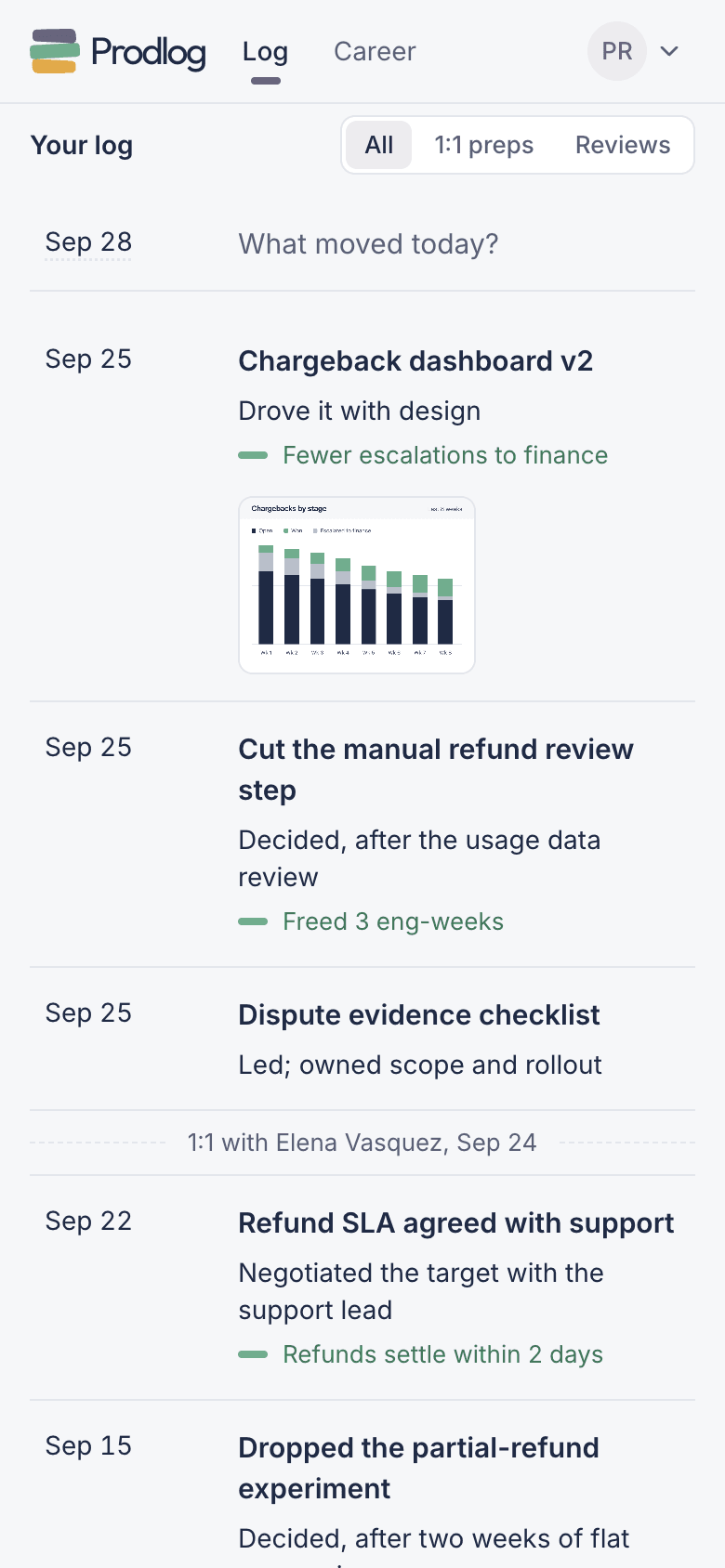
Log as it happens
One log, four ways in, all landing in the same place:
- On the web: type on the first line of your log and press ⌘ Enter.
- In Slack:
/logfrom any channel or DM, or log any message from its menu. - By email: forward the thread to addlog@in.prodlog.app.
- On iOS: say what happened; the voice note comes back as an entry.
You don’t have to remember. The day before your 1:1, Prodlog asks in Slack what else happened. Turn on the Friday prompt and it also asks at 4pm what shipped. Skip a few weeks and it just asks again.
Before every 1:1
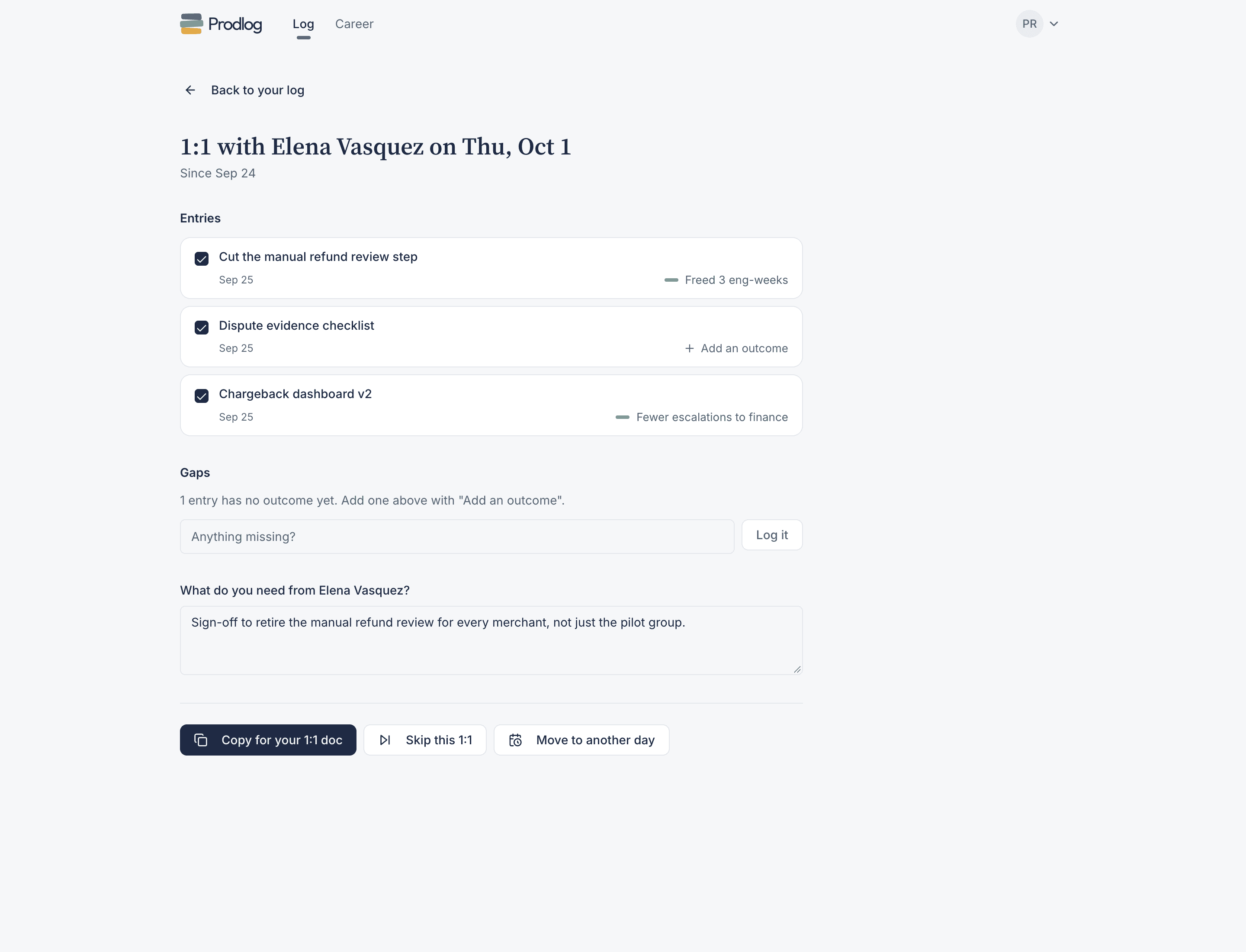
Press “Prep my 1:1” and everything you logged since the last one is laid out. Untick what you’d rather not bring up. Gaps shows the entries still missing an outcome, so you can add one before the meeting. Then answer “What do you need from your manager?”.
“Copy for your 1:1 doc” puts it on your clipboard, ready to paste. A week off? “Skip this 1:1”. Moved to Friday? “Move to another day”, and the next window adjusts.
No regular 1:1s? Pick a day and get a weekly recap of what you logged instead.
Review season
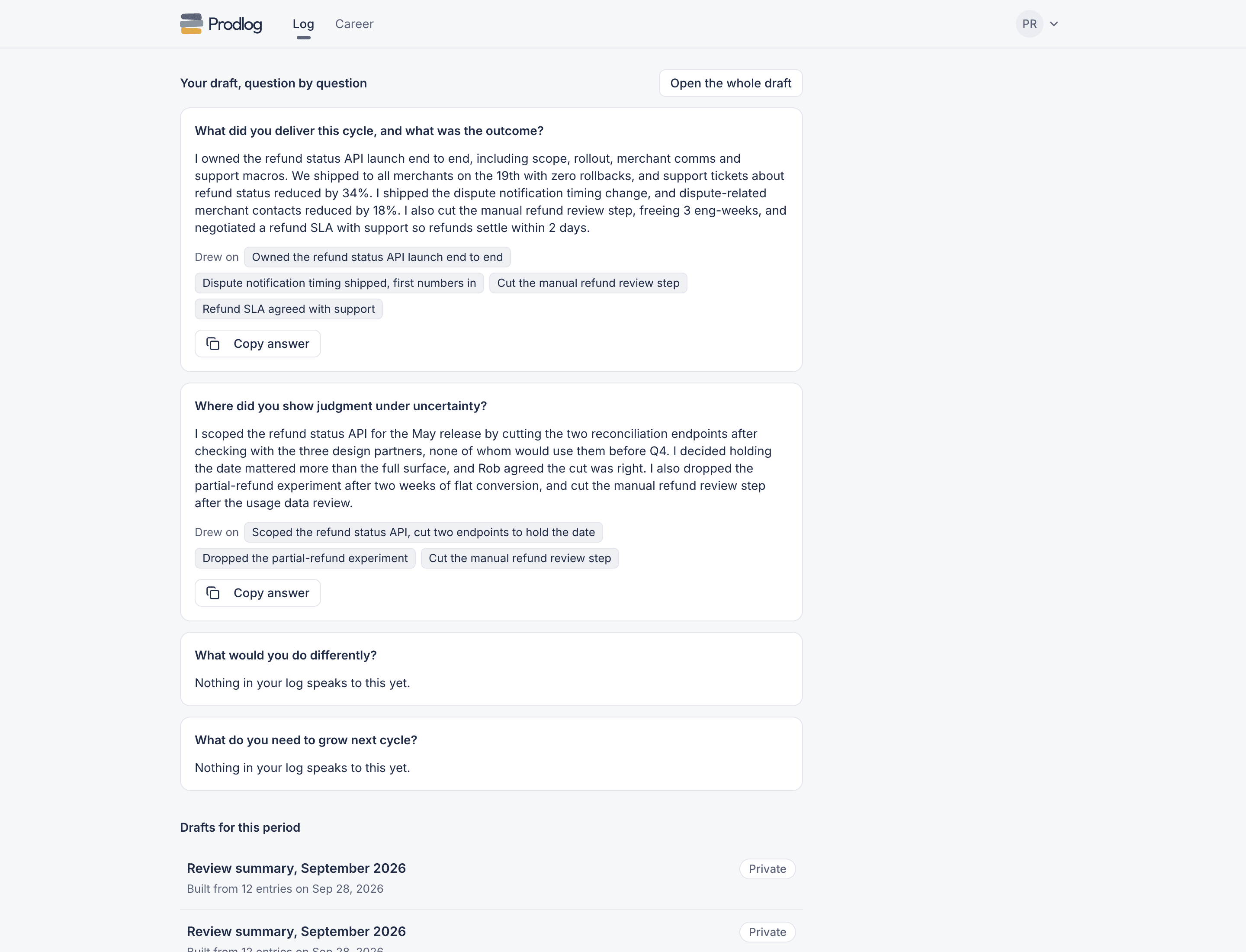
Paste your company’s review questions once. Prodlog drafts an answer for each and shows which entries it drew on.
Every claim traces back to something you logged when it happened, so you edit a draft instead of reconstructing six months from memory. Each draft counts as one summary: 3 a month on Free, unlimited on Pro.
When you change jobs
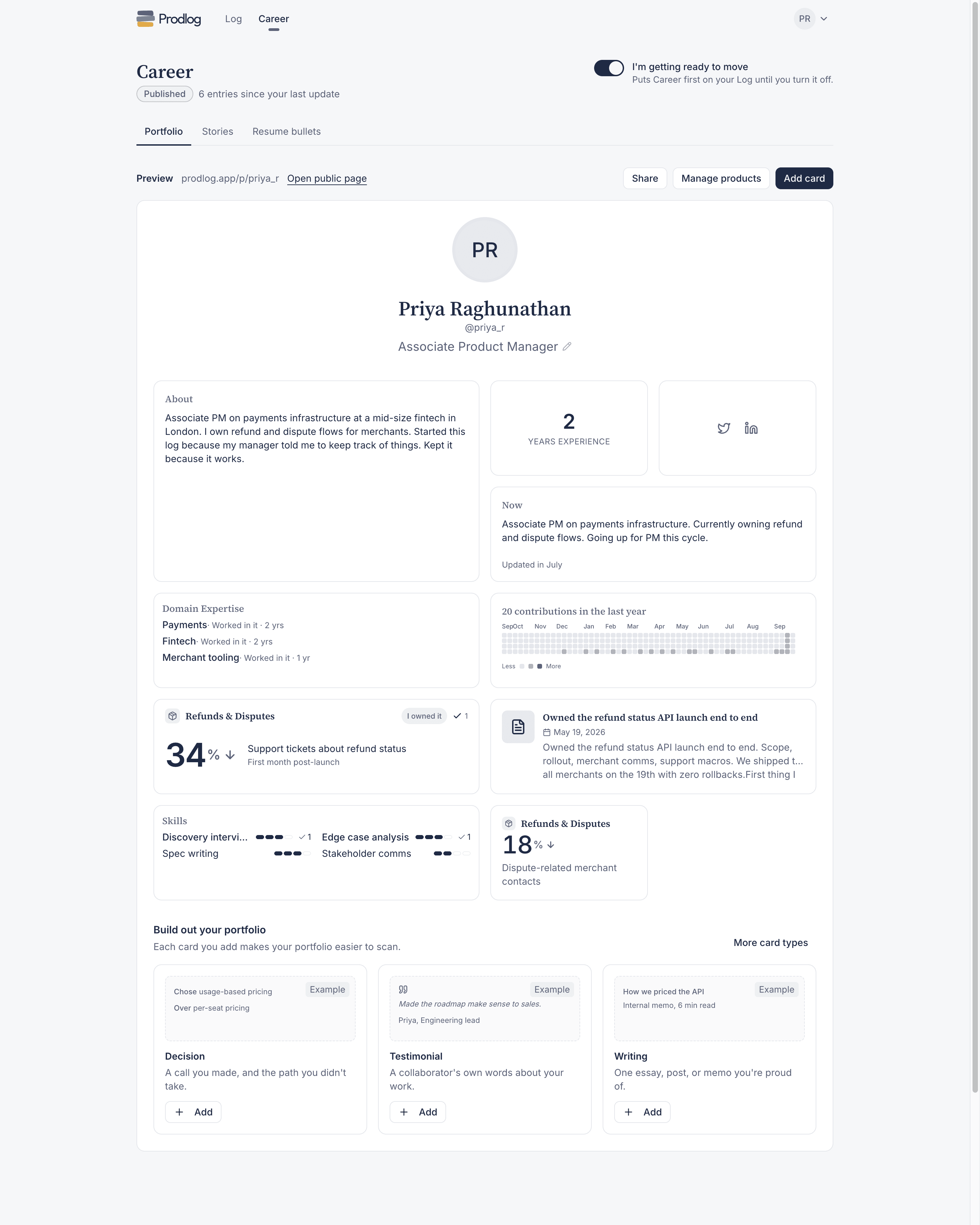
Turn on “I’m getting ready to move” and Career comes first. Three things, built from the same entries: your Portfolio, a public page of the work you choose to show; Stories, STAR answers for interviews; and Resume bullets with the outcomes attached.
Publishing is free, and nothing is public until you publish it.
Where your log lives and who can see it
- Your log is private by default.
- Nothing leaves it unless you copy it, send it, publish it, or ask a collaborator to confirm an entry.
- Export everything anytime, as CSV or PDF.
Free forever. Pro is free until the end of the year, then $9/mo.